

PS: My new deep-dive “When to Sell Memory Stocks like San Disk, Micron etc. Using AI” drops this week (waiting on April data before dropping the article). Interestingly, our AI worflow shows memory growth accelerating. Make sure you are subscribed to my newsletter to know when it drops.
Coming back to our substack saved post question. We all are guilt of saving Substack posts thinking “I’ll read this later”… and then never revisit them.
I’m guilty too — I only have 7 saved right now. But one reader just told me he has 400 and feels completely overwhelmed. They asked me to suggest an AI workflow to make his life easier.
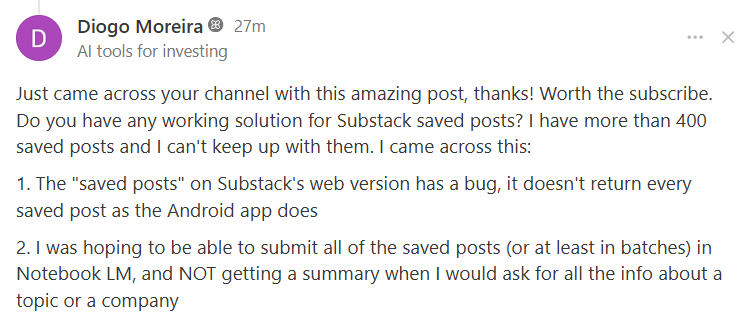
Here's a quick workflow to turn your graveyard of saved posts into an organized knowledge map — in under 10 minutes.
The AI-Powered System to Turn Your Saved Posts Into Pure Insight
Here’s the exact 6-step process I use to organize, understand, and actually use everything I save:
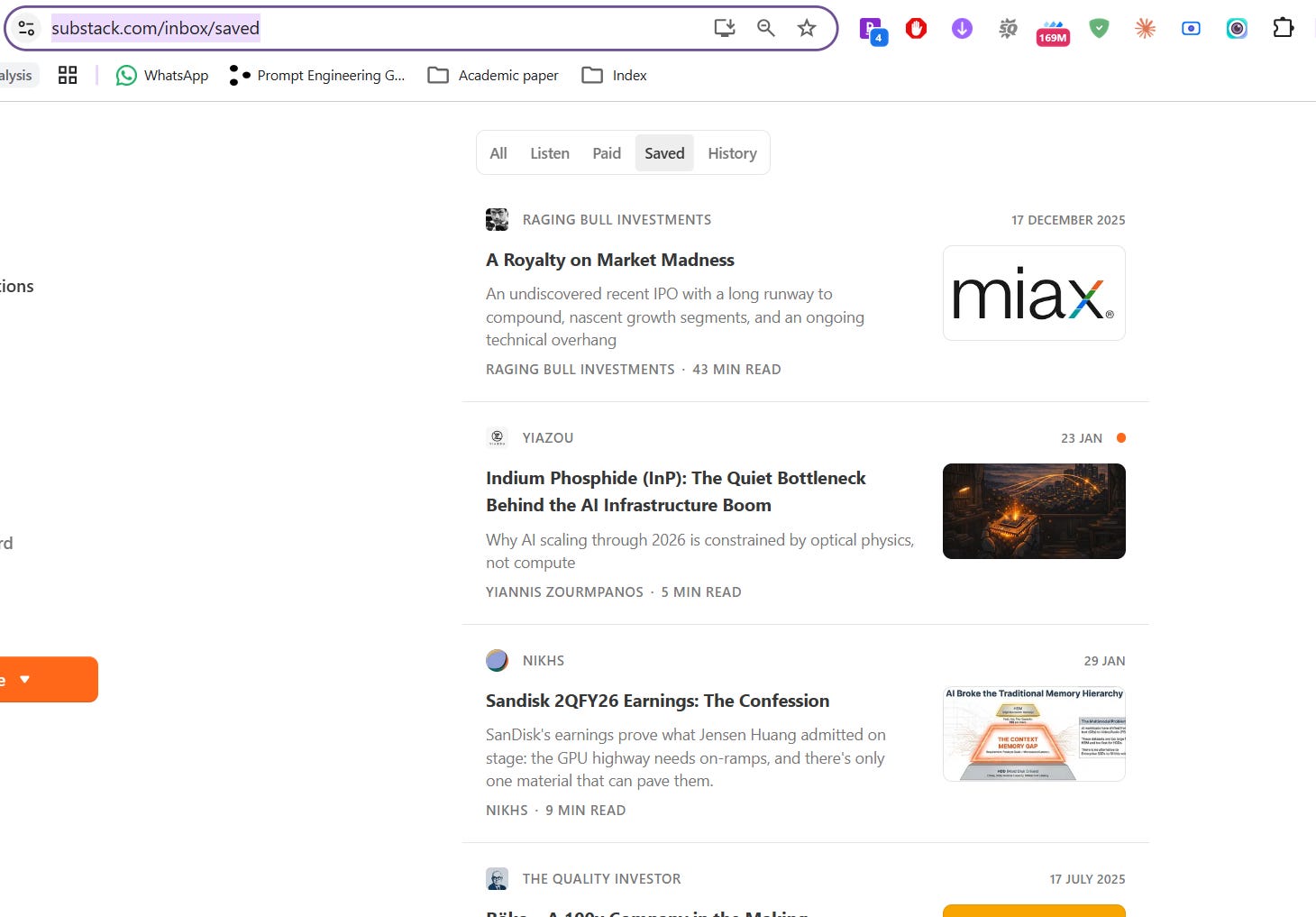
Step 1 — Go to substack.com/inbox/saved and scroll until every saved post is visible on screen. I only have 7, so no scrolling needed — but if you've got hundreds, keep scrolling until they're all loaded.
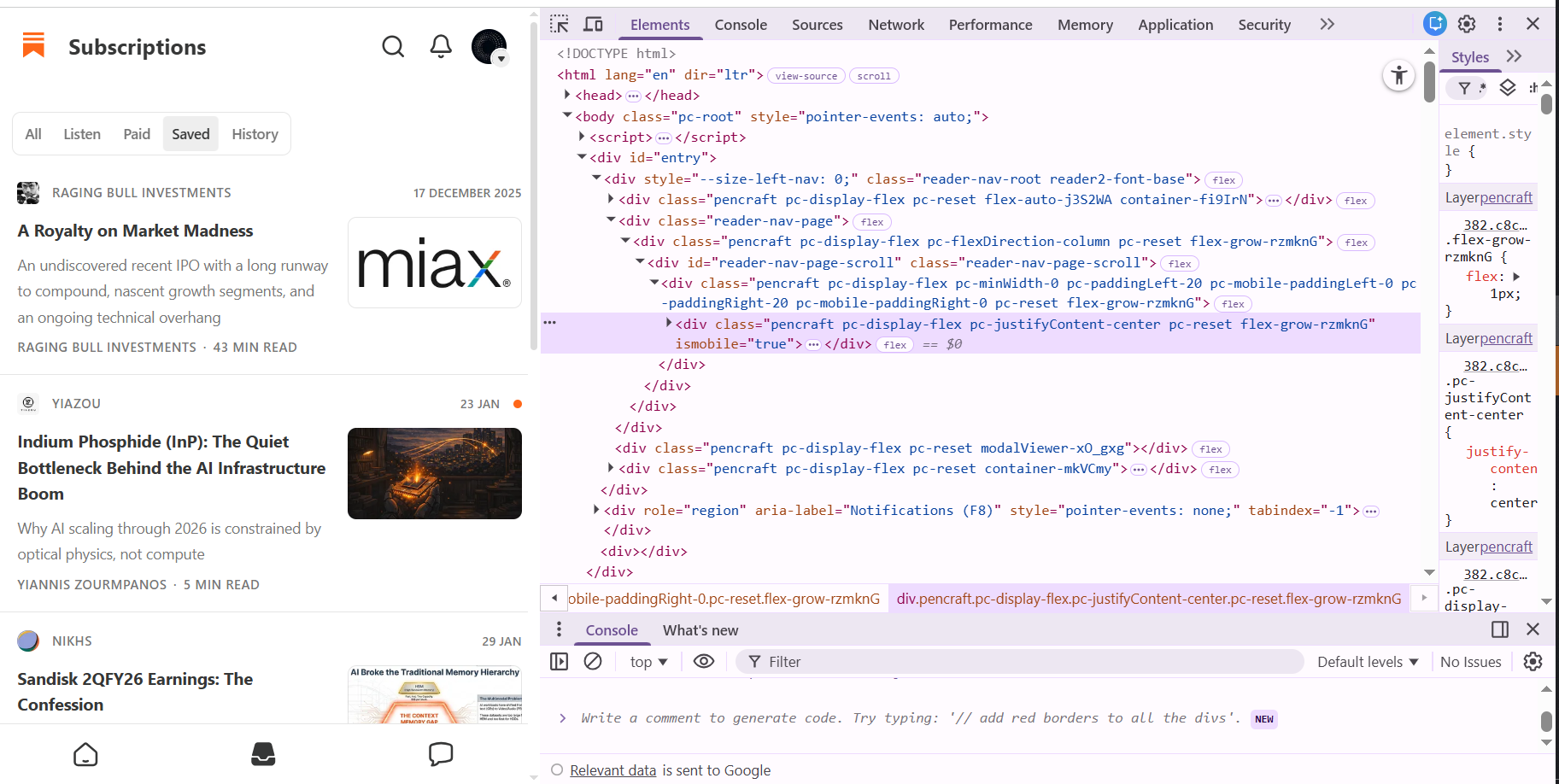
Step 2 — Right-click anywhere on the page → click Inspect. You should see the browser's developer tools panel open up.
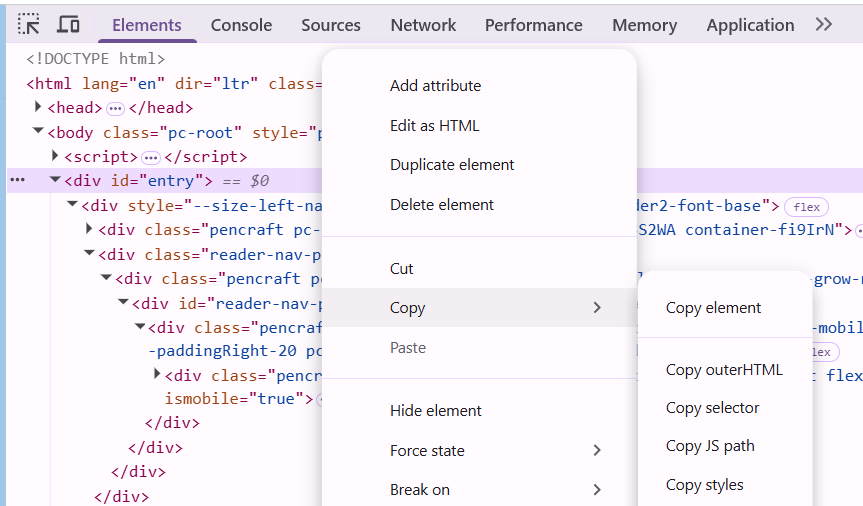
Step 3 — Find <div id="entry"> in the elements panel → Right-click it → Copy → Copy Element.
Step 4 — Paste that copied element into any LLM (we used Claude — see our prompt here) and ask it to extract the Substack article URLs. You can provide an example URL to guide it. Here's what we got back:
https://ragingbullinvestments.substack.com/p/a-royalty-on-market-madness
https://yianisz.substack.com/p/indium-phosphide-inp-the-quiet-bottleneck
https://nikhs.substack.com/p/sandisk-2qfy26-earnings-the-confession
https://thequalityinvestor.substack.com/p/roko-deep-dive
https://crackthemarket.substack.com/p/optical-and-networking-supercycle
https://mispricedassets.substack.com/p/building-an-institutional-grade-portfolio
https://stocknarratives.substack.com/p/a-4x-in-4-years-surfing-the-data
Step 5 — Head to NotebookLM → Create a New Notebook → Add Sources → Paste all the URLs from Step 4.
Notebooklm has a limit of 50 urls in the free plan. If you have more links, you can consider buying the paid plans or splitting your effort into two notebooks.
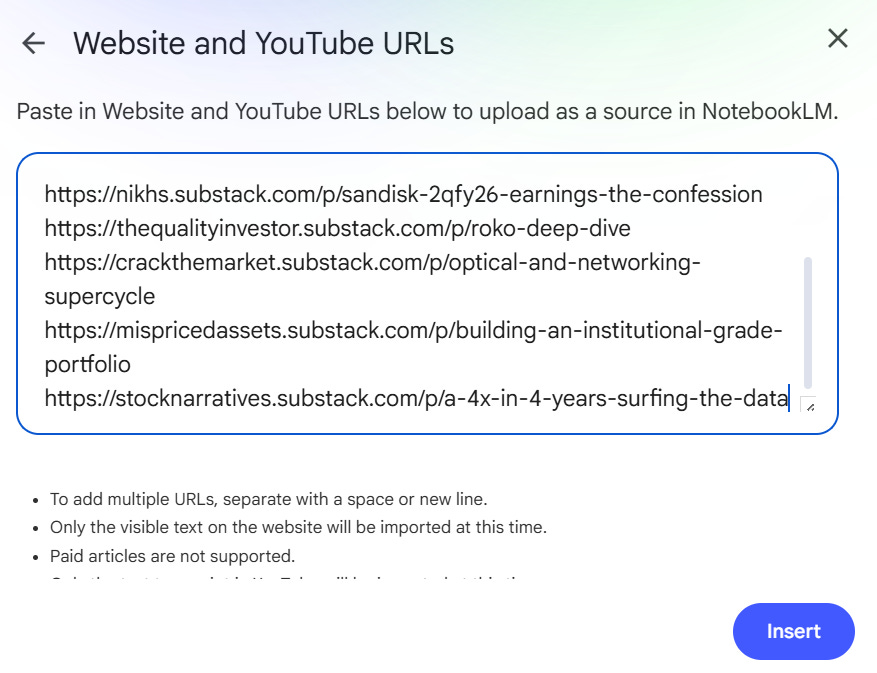
Step 6 — Once NotebookLM generates its auto-summary, click Mind Map in the right column for a visual overview of everything you've saved.
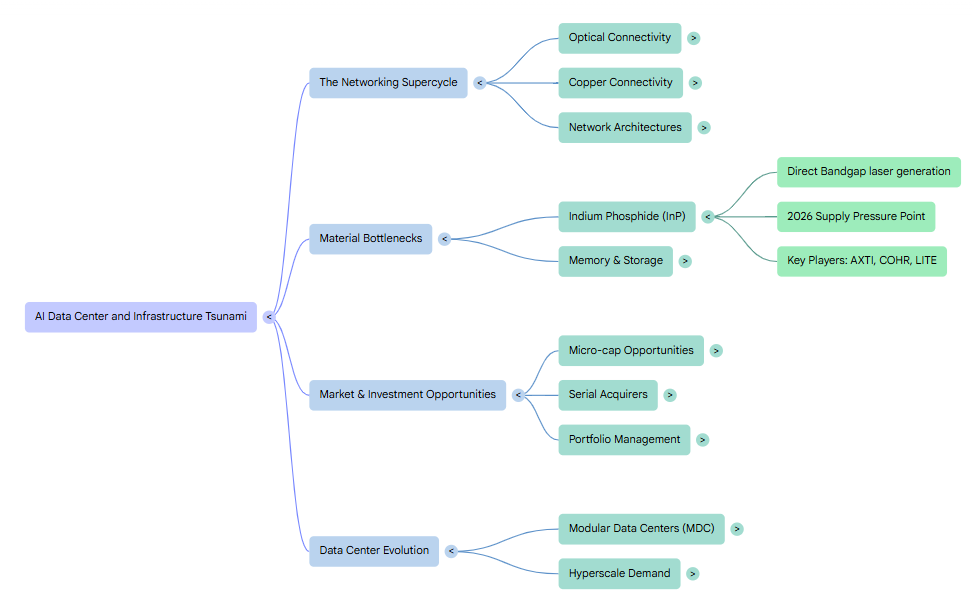
Figure - this is the mind-map of my saved substack posts
The result? A bird’s-eye view of all your saved reading — organized by theme. You can click into any category, ask follow-up questions, and actually learn from the content you saved months ago. I suggest you give this a try.
If you have questions about using AI for workflows like this, drop a comment or email me — I’m always happy to dig in and share what I find.
Hope this helps you turn saved posts into actual edge.
Like + share with a friend who’s drowning in tabs.
Until next time, Singularity